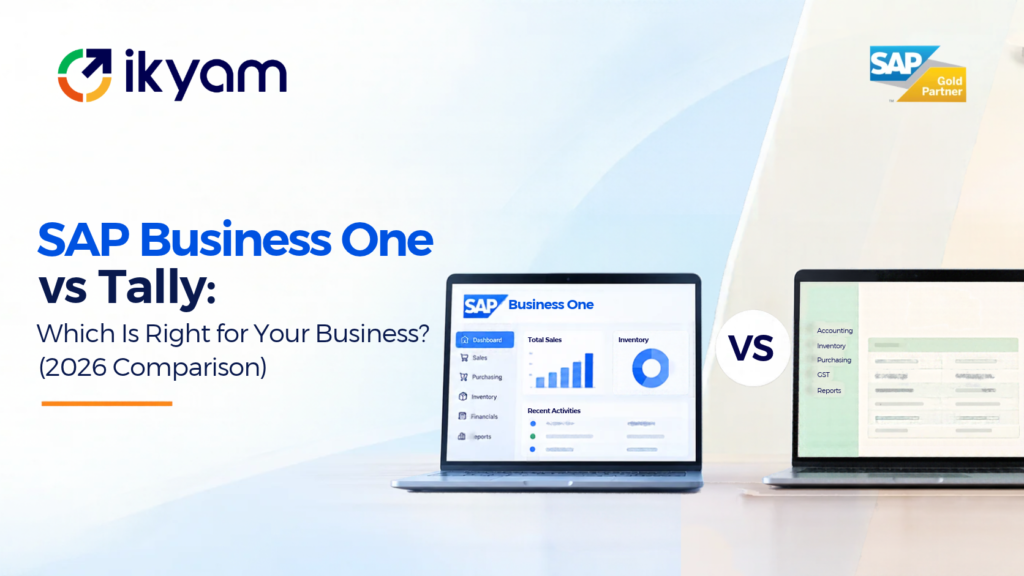
Tally is accounting software. SAP Business One is an ERP. Tally is an excellent, affordable choice for bookkeeping, GST billing and basic inventory in simple businesses. SAP Business One suits growing companies that need accounting, sales, purchasing, multi-location inventory, production planning, projects and reporting working together in one system with workflows and controls. If your pain is mostly “we need clean books and GST filing,” Tally is likely enough. If your pain is “our departments work from different files and we cannot see the business in real time,” you are in ERP territory.
Not sure which side of the line you are on? Ikyam Solutions, an SAP Gold Partner, implements SAP Business One for companies moving beyond Tally and offers a free ERP assessment at www.ikyam.com.
Area | Tally (TallyPrime) | SAP Business One |
|---|---|---|
Core purpose | Accounting, GST billing, basic inventory | Full ERP across finance, sales, purchasing, inventory, production, projects, service |
Best for | Small businesses with straightforward processes | Growing SMEs with multiple departments, locations or product lines |
Departments connected | Mainly accounts, with some inventory | All departments on one database |
Workflows and approvals | Limited | Configurable approval procedures and authorisations |
Multi-warehouse and bin tracking | Basic | Warehouse management, bin locations, batch and serial tracking |
Production and MRP | Basic bill of materials style features | Bills of materials, production orders and MRP wizard |
CRM and service | Not a focus | Opportunities, campaigns and service management |
Projects and resources | Not a focus | Project stages, sub-projects, timesheets, resources |
Reporting | Standard reports | Dashboards, ad hoc reporting and, on HANA, real-time analysis |
Customisation | Limited | User-defined fields, workflows, add-ons, integrations |
Mobile | Varies by setup | iOS and Android apps |
Typical first-year cost | Published estimates cite roughly ₹18,000 to ₹54,000 per year | Published estimates cite lakhs of rupees in year one, depending on users and scope |
Implementation effort | Light | Real project with a partner |
The cost figures above come from published industry estimates of Indian ERP pricing. They are directional only and change with users, scope and date. See SAP Business One cost in India for how to estimate your own number.
It is worth being fair. Tally earned its place in Indian business for good reasons.
Accounting that accountants know. Most Indian accountants and chartered accountants are fluent in Tally. That lowers training cost and makes it easy to hire.
Fast GST billing and compliance. Tally handles invoicing, GST computation and return data for a large number of Indian businesses.
Low cost and light setup. It can be running within days with little IT involvement.
Simplicity. For a trading business with one location, a handful of users and simple stock, Tally can be all you need.
If this describes you, moving to a full ERP may add cost and process without adding value. A good partner will tell you that.
Growth usually exposes the same limits.
Tally records accounts well. But sales orders, quotations, customer follow-ups, purchase requisitions, production plans and project costs usually live in Excel, email and WhatsApp. Someone retypes them into Tally later. This creates delay and errors.
Growing businesses need rules: who can approve a purchase order above a limit, who can change a price, who can release stock. ERP systems enforce these in the system. In a light accounting tool, they are enforced by habit.
Multiple warehouses, bin locations, batch numbers with expiry, serial numbers and automated replenishment are where simple inventory modules start to strain.
If you manufacture, you need to know what to buy and make based on orders and stock. An ERP’s MRP does this. Doing it in spreadsheets takes hours and breaks as volumes grow.
Owners eventually want profitability by customer, product, branch or project, plus cash and stock views in real time. This needs integrated data from all departments.
Managing several branches or companies, with consolidated reporting and inter-branch transfers, is much easier on a single ERP database.
Connecting to e-commerce, CRM, point of sale, banks and logistics is possible through APIs in an ERP. In a basic accounting tool it often means custom work or manual import.
SAP Business One connects the whole order-to-cash and procure-to-pay chain on one database.
It runs on SQL Server or SAP HANA, in the cloud or on-premise, and has mobile apps for iOS and Android. For a full walkthrough, see What is SAP Business One and SAP Business One modules.
This is the most common worry from Tally users. The honest answer:
When you evaluate any partner, ask them to demonstrate your own scenarios live: GST invoice with e-invoicing, e-way bill, credit notes, reverse charge, TDS, and your usual return reconciliation. A competent partner will show this before you buy.
Tally costs little to buy and run. SAP Business One costs more, because it is a broader system that needs a partner to implement. Published industry estimates put TallyPrime at roughly ₹18,000 to ₹54,000 per year and SAP Business One at roughly ₹15 lakh to ₹40 lakh in year one, with a 50-user example above ₹25 lakh including licences, implementation and training. Other published estimates give different ranges, which shows how much scope and dates matter.
The right comparison is not licence cost against licence cost. It is:
If the workarounds are small, Tally wins. If the workarounds are growing every quarter, an ERP often pays for itself. Ikyam offers a free ROI calculator to help structure this thinking.
Moving from Tally is a common project. A typical path:
Ikyam’s SAP Business One approach follows these stages under its START framework (Strategize, Transform, Adopt, Realize, Track & Tune), including data migration, user training and hypercare after go-live.
Some companies keep Tally for a short overlap or for particular statutory tasks. As a long-term setup, it defeats the purpose: you keep duplicate entry and reconciliation. Plan a clean cutover instead.
“Our accountants only know Tally.” Training and a phased go-live solve this. Finance users usually adapt quickly when the chart of accounts and reports are set up in a familiar way.
“It will be too complicated.” A good implementation starts with standard processes and adds only what you need. Complexity usually comes from over-customising.
“It will cost too much.” Compare total cost with the cost of your current workarounds, and use a phase-wise plan so you start with the modules that matter most.
“What if we outgrow it?” Choose a partner that can implement both SAP Business One and SAP S/4HANA Cloud, so a future move is planned, not a surprise.
Ikyam Solutions is an SAP Gold Partner founded in 2013 and headquartered in Bengaluru, with offices in Bangalore, Chennai, Hyderabad, Noida and Guntur, 250+ customers and a team of 200+ professionals. For companies moving from Tally or spreadsheets, Ikyam offers:
They solve different problems. Tally is accounting software that is excellent for simple businesses. SAP Business One is a full ERP for growing businesses that need finance, sales, purchasing, inventory, production and projects on one system. "Better" depends on your size and complexity.
Tally is primarily accounting and inventory software with GST billing. Many businesses use it as their ERP, but it does not cover CRM, projects, advanced production planning, multi-department workflows and real-time analytics the way an ERP such as SAP Business One does.
Yes. SAP Business One's India localisation supports GST. E-invoicing and e-way bills are typically handled through integrations or certified add-ons, so ask your partner to demonstrate your scenarios.
A lot more up front. Published industry estimates cite TallyPrime at roughly ₹18,000 to ₹54,000 per year and SAP Business One at roughly ₹15 lakh to ₹40 lakh in year one. Costs vary widely with users, scope and date, so request a scoped quote.
When departments work from different files, month-end close takes days, stock does not reconcile, you add locations or production, or you cannot see profitability and cash in real time.
Yes. Masters such as customers, vendors, items and the chart of accounts, plus opening balances, are cleaned, mapped and loaded. Partners reconcile balances between old and new systems before go-live.
Ikyam states that most small and mid-sized SAP Business One implementations take a few weeks to a few months, depending on users, modules, integrations and data. Your partner should give a phase-wise plan after discovery.
Yes, for small businesses that have outgrown basic accounting software. It is designed for small and mid-sized companies. Very small businesses with simple needs may be fine on Tally for now.
Yes. Finance users should have role-based training. A phased go-live and a familiar chart of accounts help adoption.
You can move to SAP S/4HANA Cloud. Choosing a partner that implements both products lets you plan that path from the start.
Talk to an Ikyam SAP expert. Book a free demo or request an ERP assessment, email info@ikyam.com, or call +91 78997 26639 or +91 98444 29118.
Connect with our SAP experts to discuss your business needs and explore the right solutions and services.

Shilpa NM is the Head of Marketing at Ikyam Solutions, a leading SAP and digital transformation partner helping businesses streamline operations through SAP-powered enterprise solutions. She collaborates closely with SAP consultants, implementation specialists and business leaders to create insightful content on SAP S/4HANA, SAP Business One, SAP Cloud ERP, AI-driven automation, analytics and enterprise technology trends.
SAP Business One modules explained: finance, sales and CRM, purchasing,...
Read MoreSAP Business One vs Tally compared for Indian businesses: features,...
Read MoreSAP Business One cost in India explained: licence, implementation, support...
Read MoreWhat is SAP Business One? An all-in-one ERP for growing...
Read More